- DATE:
- AUTHOR:
- CandidPro Product Team
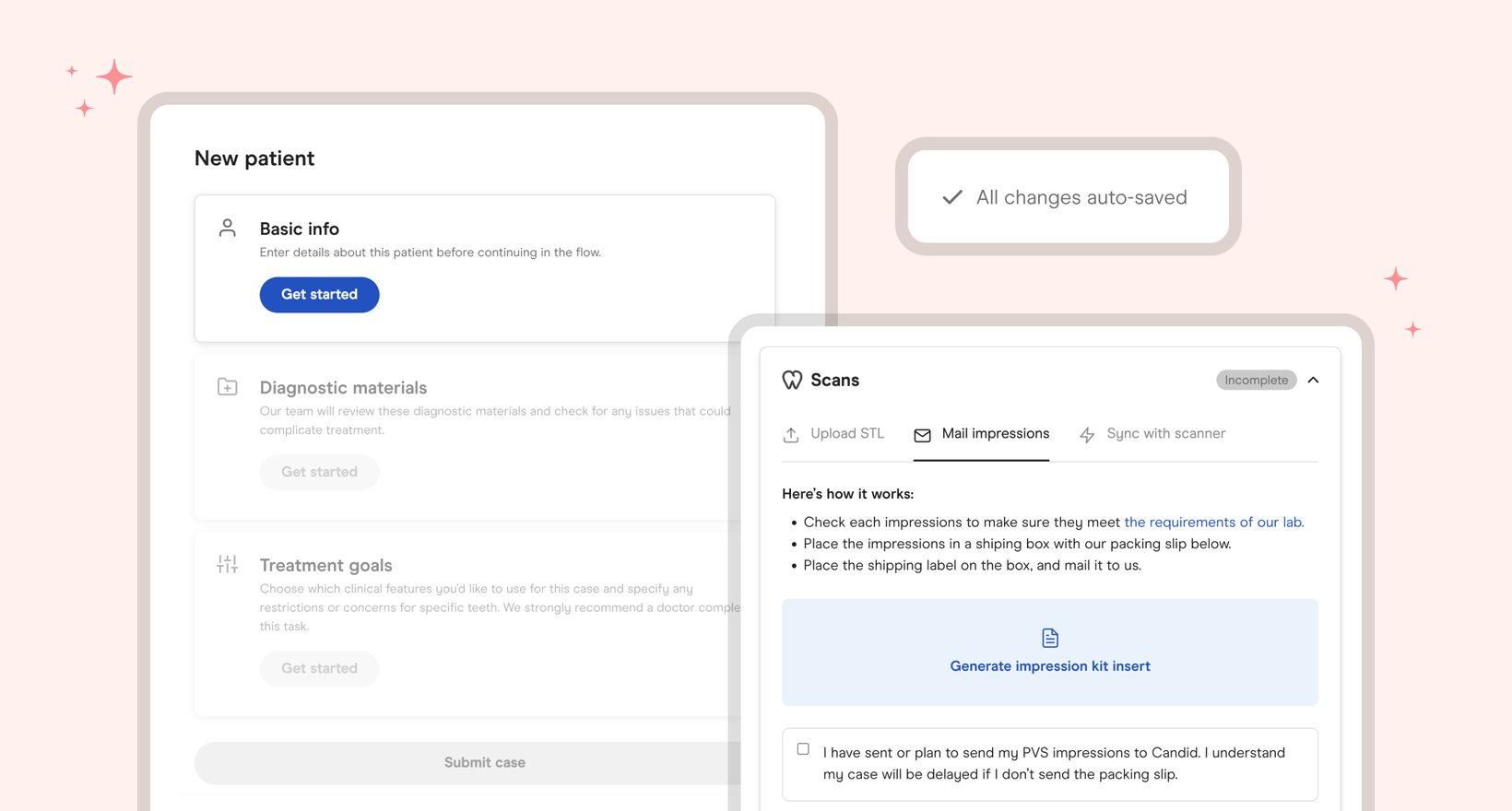
Improved case creation flow
What’s New
Auto Saving & Drafts
You can now start filling out the information for a new case, exit, and finish at a later time. Additionally, when filling out the case submission flow, your progress will be auto saved so that you do not need to worry about manually doing so yourself.
Streamlined Case Submission
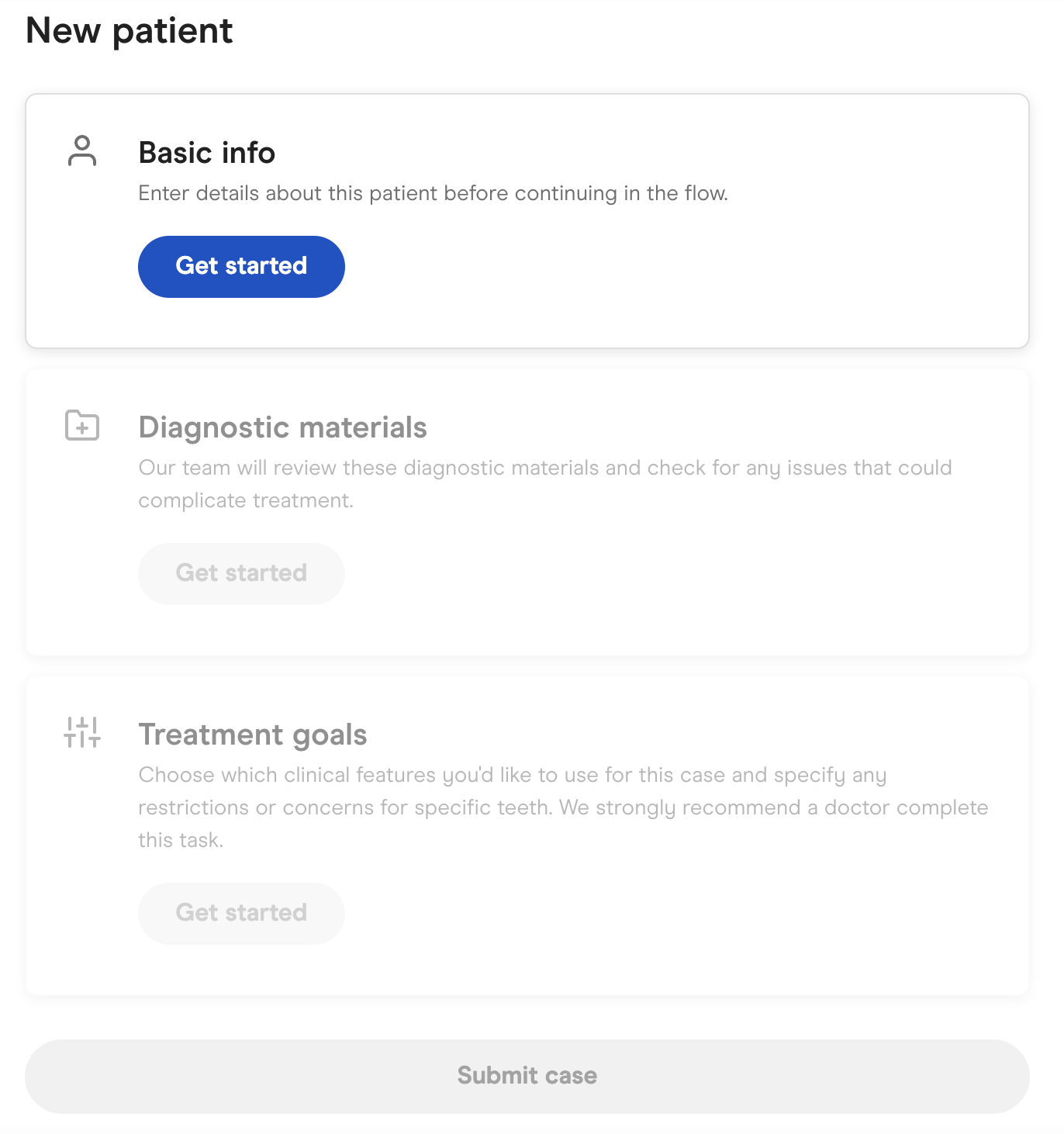
We’ve reorganized our case submission flow to make submitting information even easier. It is now bucketed into three sections:
Basic Info: Patient’s basic information, such as name, age, address, etc.
Diagnostic Materials: Items like photos, scans, and x-rays
Treatment Goals: Details about what you'd would like us to take into consideration for treatment planning
We recognize that sometimes different team members within a practice may be filling out different portions of patient intake, so we wanted to help simplify the flow to better fit your practice’s workflows.
PVS & Sync Indicators
If you are not able to upload STL files directly within the case submission flow, that is ok. We’ve made sending in PVS impressions and syncing scanners to our systems even easier. While going through the case submission flow, there are two new tabs under the scans section:
Mail Impressions
Sync with Scanner
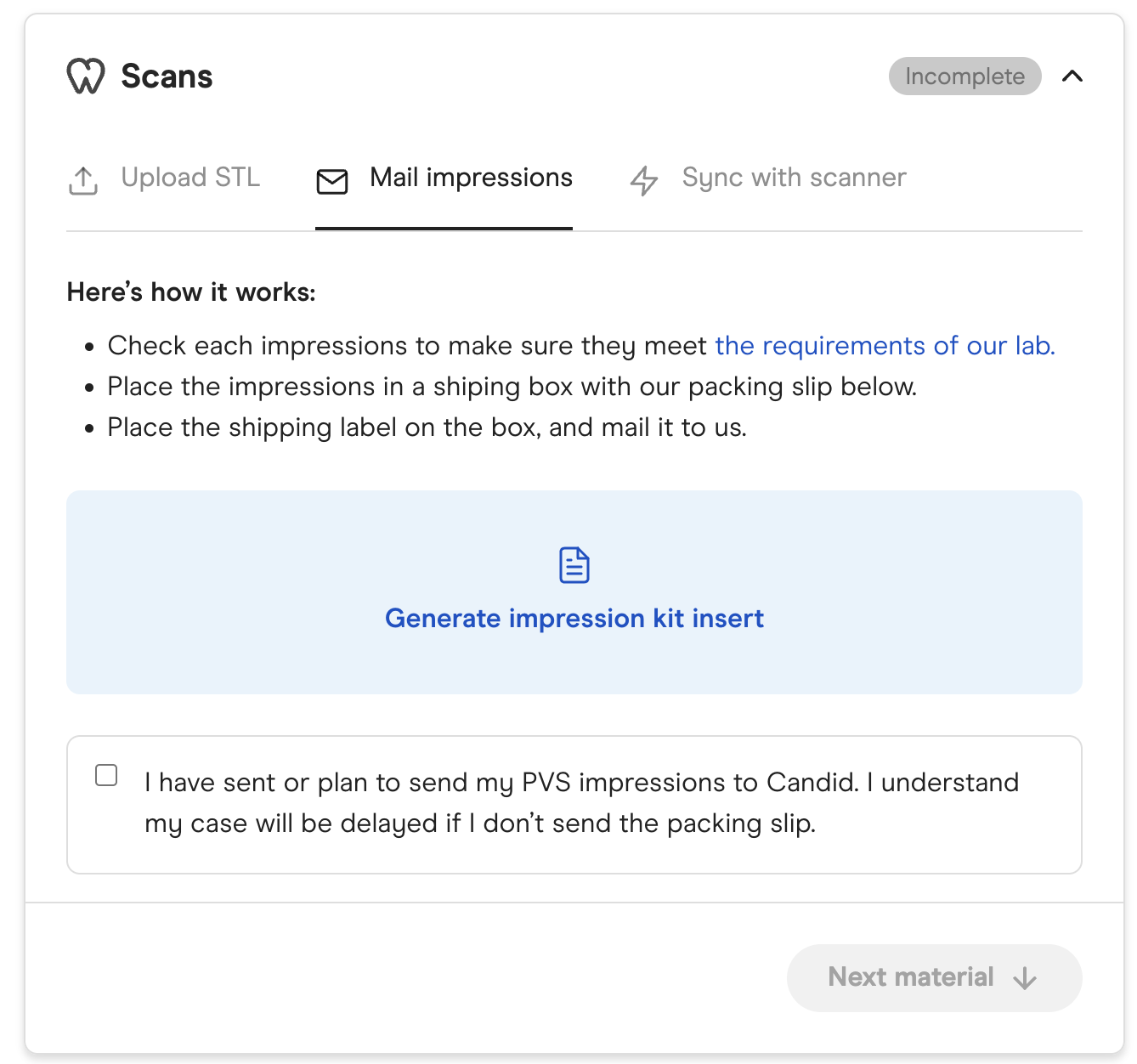
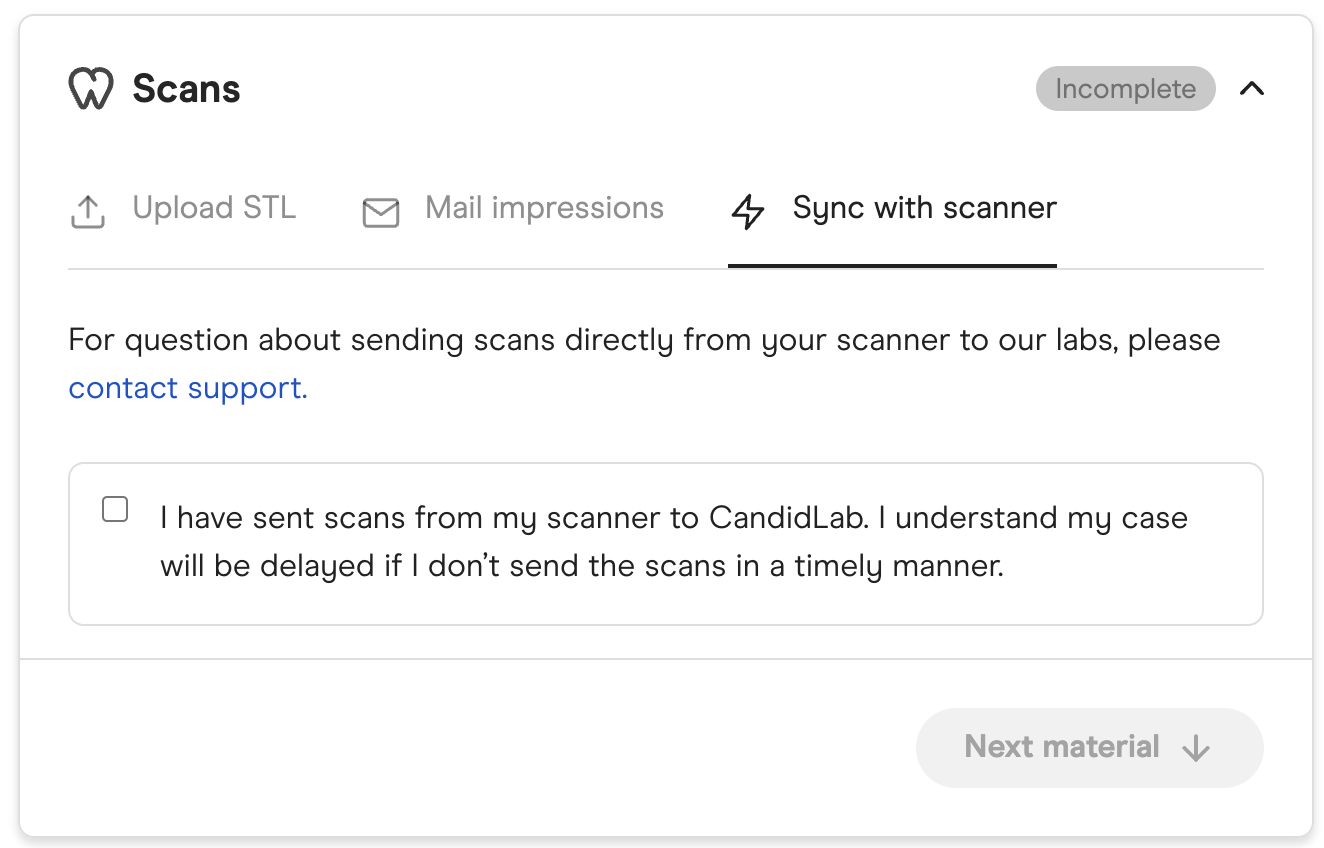
If either of these are used, simply select the box indicating you’ve done so (or are planning on doing so) and you can then move on to the next step of the process.
Why did we make this update?
We’ve heard feedback from our providers that case submission isn’t always completed by one individual, so wanted to make the experience more seamless and flexible.
When is this change happening?
These changes started rolling out March 8th, 2023.
Start leveraging this new feature today!
If you have any questions around these changes, please feel free to reach out to your Candid point of contact to set up a 1:1 session.