- DATE:
- AUTHOR:
- CandidPro Product Team
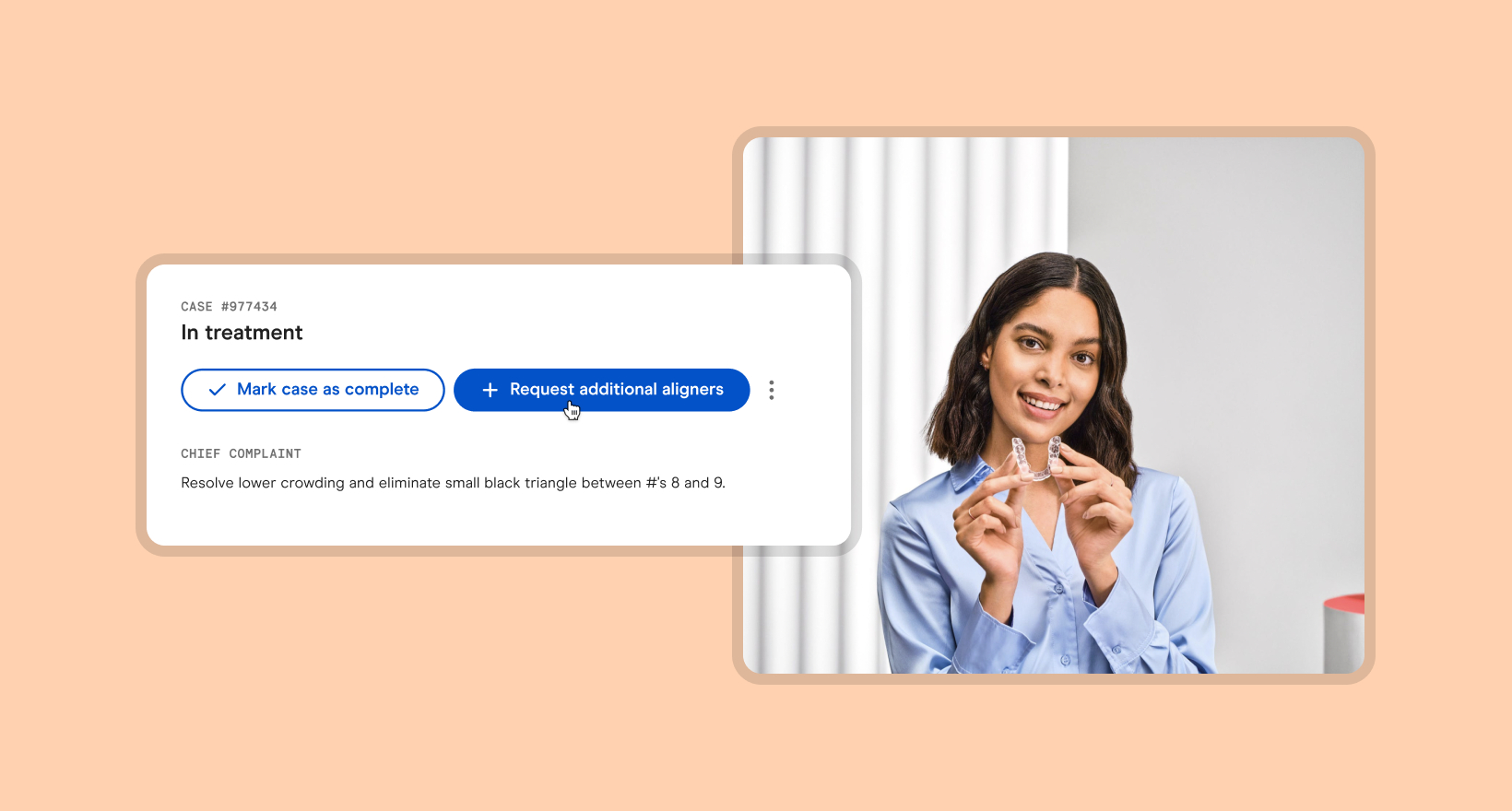
Initiate additional aligner cases in the Candid portal
What's new?
We've simplified the process for initiating refinements cases so you can now make additional aligner requests in the Candid portal:
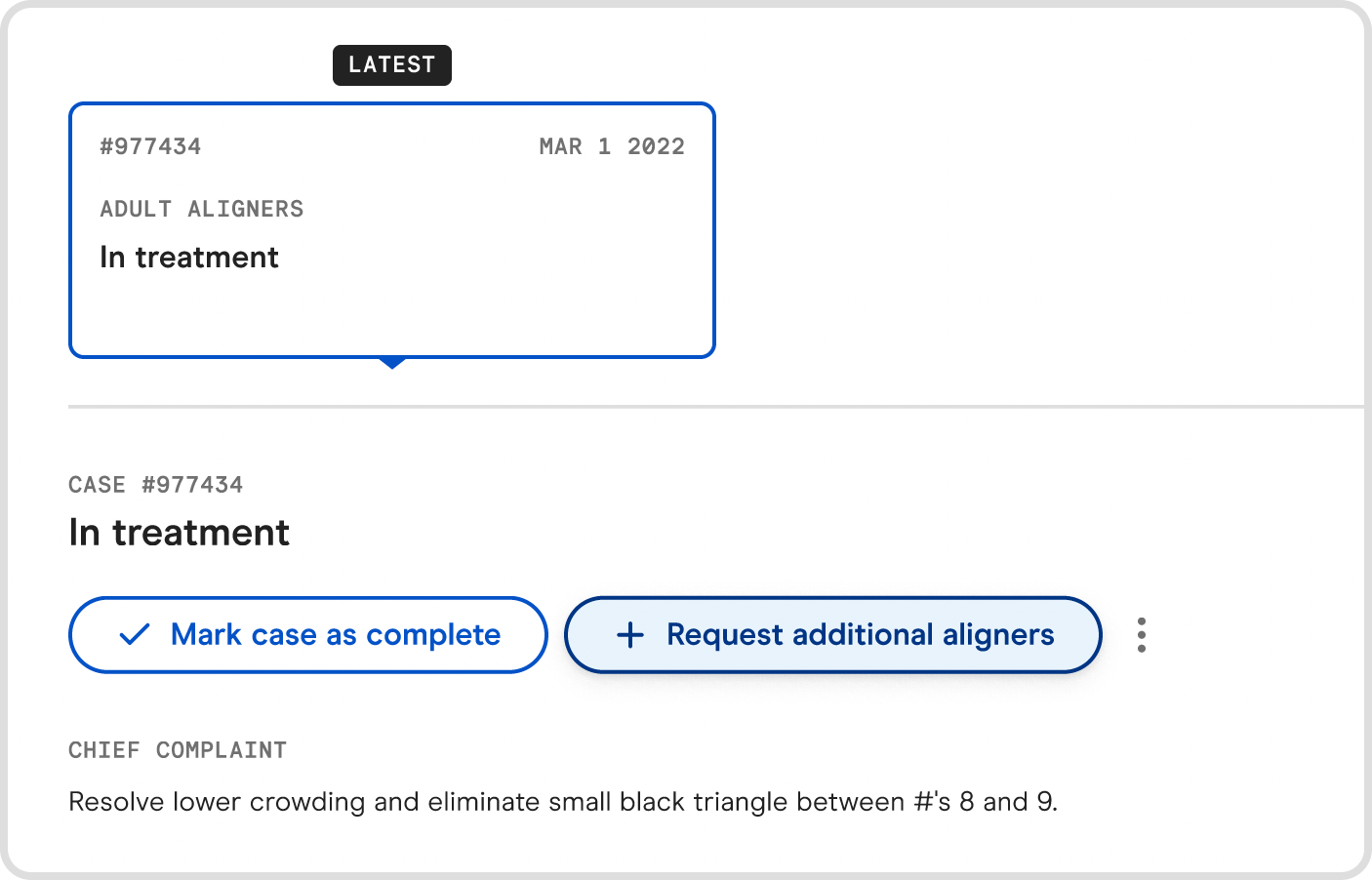
Request button - On the patient profile, we've added a "+ Request additional aligners" button that you can use to start the process (make sure the "in treatment" box is selected first).
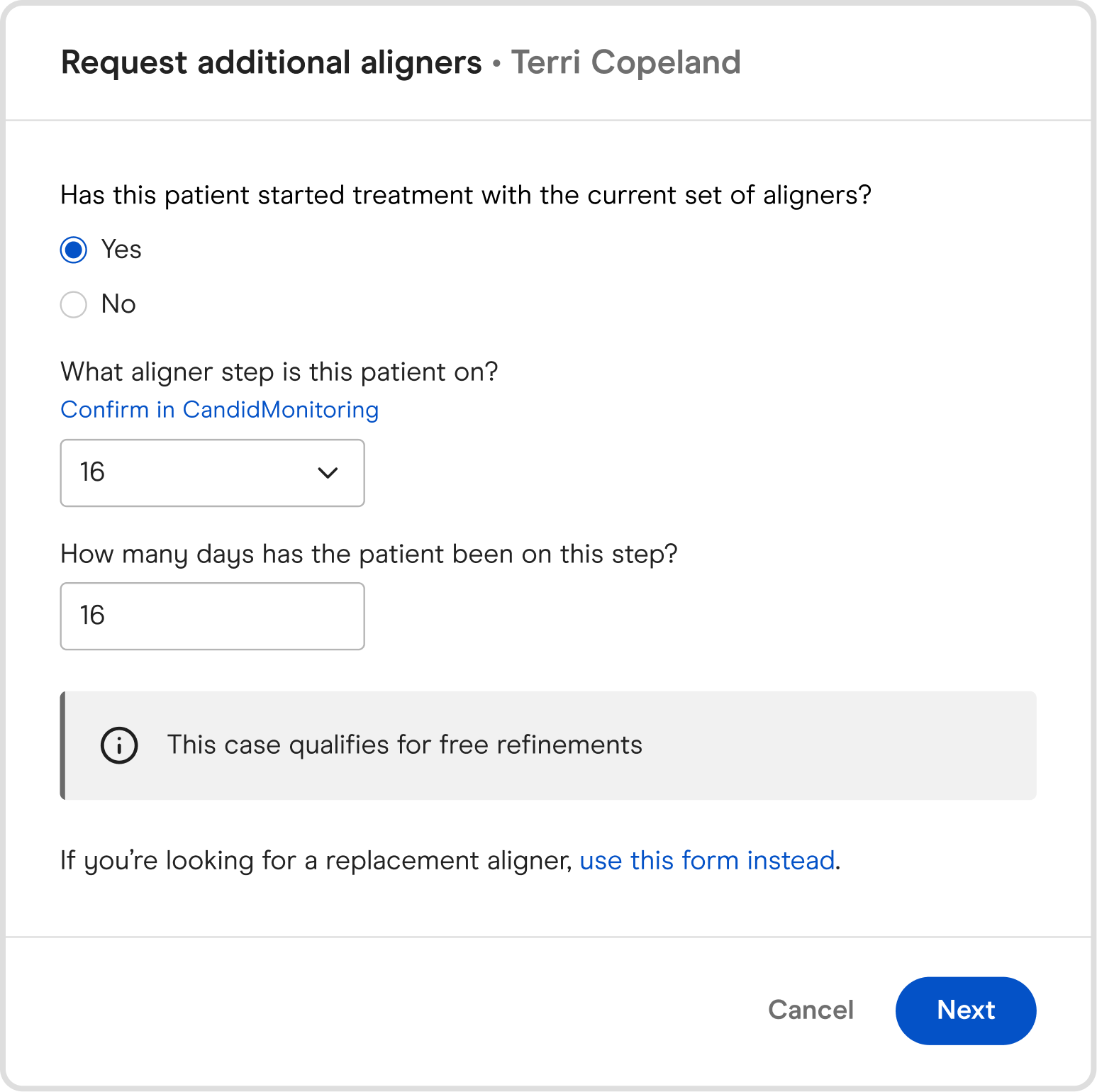
Treatment questions - Answer a few questions about the patient's treatment with Candid so far and we'll let you know if the case qualifies for free refinements.
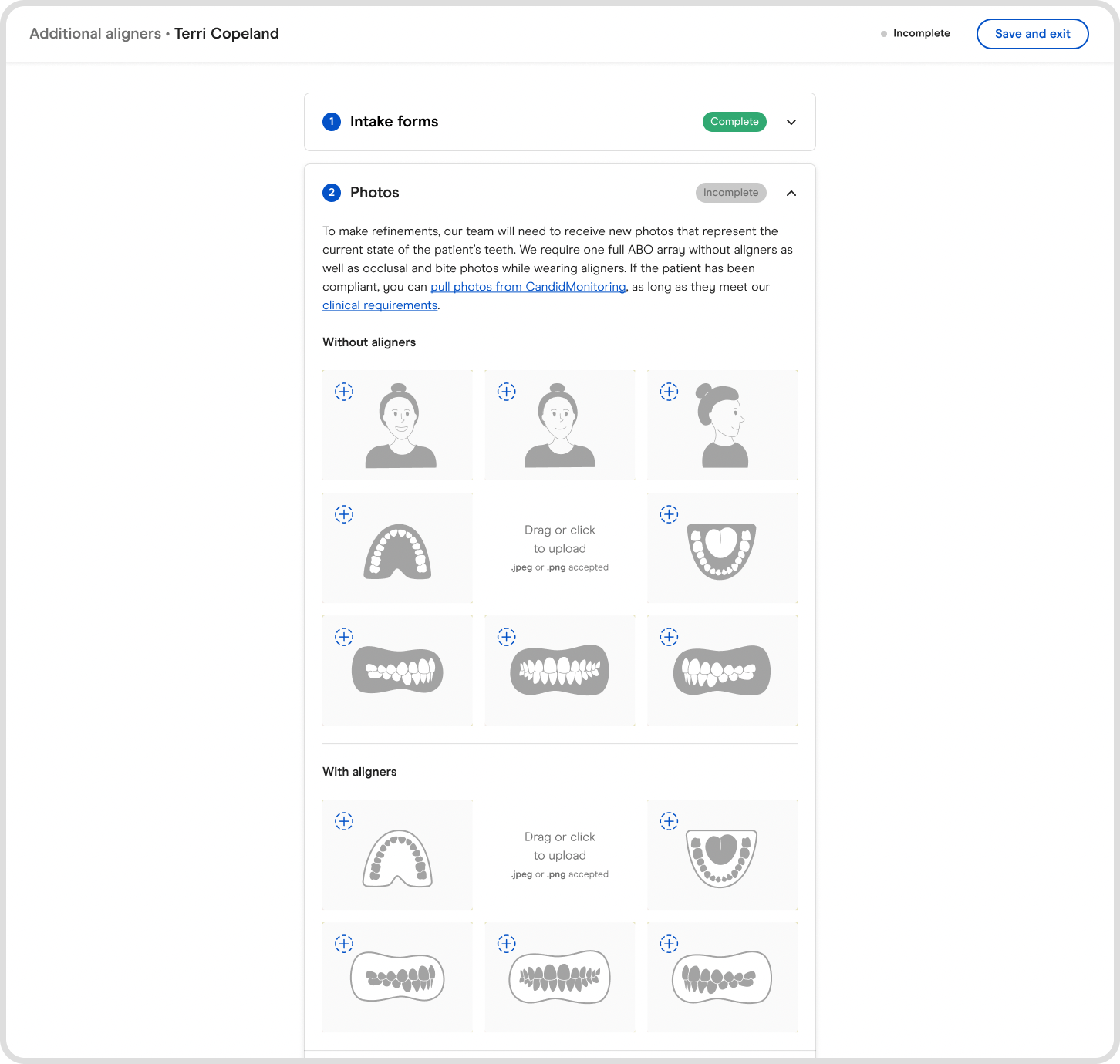
Diagnostic materials - What we'll need to process the case:
The normal ABO array without aligners, as well as intraoral photos with aligners
New scans, same flow as a normal aligner case
X-rays, which can be synced from the previous case
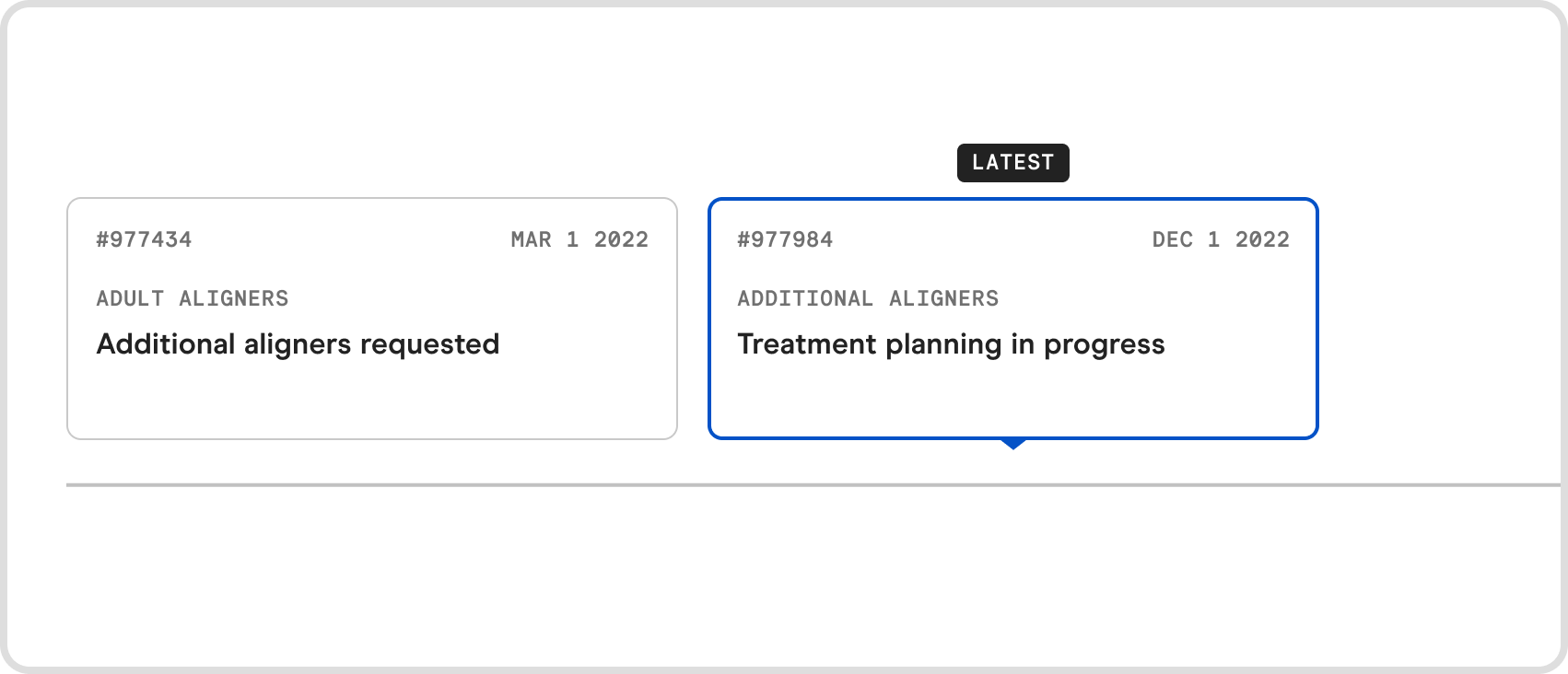
Case type - Once approved, additional aligner cases will be viewable as an "Additional Aligners" case type on Ortho Prism.
Why are we making these updates?
We want to make it easy for you to continue enabling treatment for your patients until the desired results are achieved, while also offering transparency as it relates to any billing or lab fees involved.
When are these updates happening?
These changes went live on September 27th, 2022.
Start leveraging these new features today!
Contact your Candid point of contact to set up a 1:1 session in which they’ll provide you with a white glove experience and answer any questions you may have.